
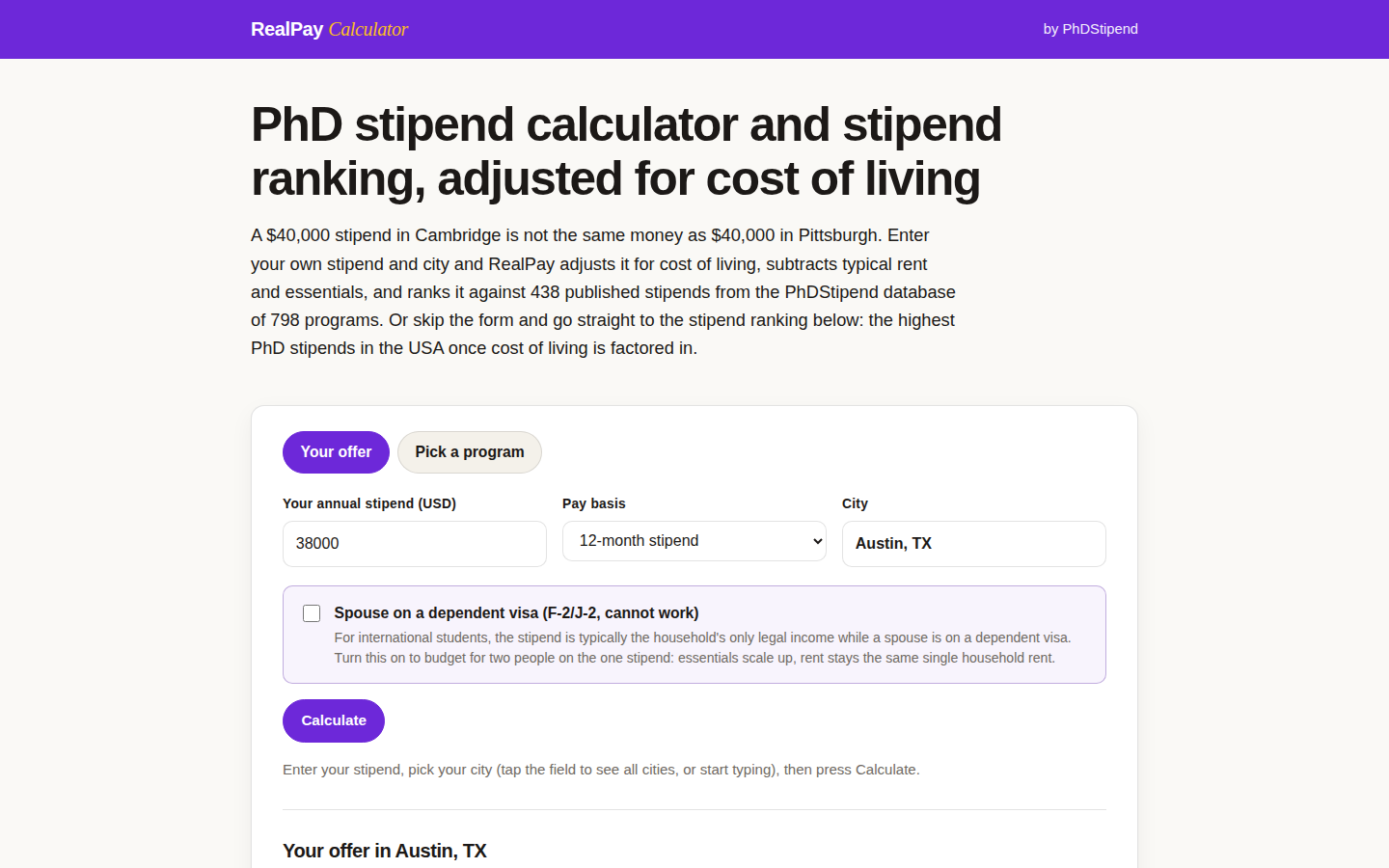
A 40,000 dollar stipend in Cambridge is not the same money as 40,000 dollars in Pittsburgh. Headline numbers lie politely. RealPay is the stipend calculator we built to tell the truth: enter your stipend and city, and it adjusts for cost of living, subtracts typical rent and essentials, and ranks the result against 438 published stipends from the PhDStipend database of 798 programs.
How to run your offer
- Enter your annual stipend, or pick a program and let the database fill it in.
- Set the pay basis honestly: a 9 month stipend and a 12 month stipend are different animals.
- Pick the city the program is actually in, not the metro you wish it was in.
- Press Calculate and read the leftover line first. That is the number you will live on.
There is an option most calculators skip: a spouse on a dependent visa who cannot work. Tick it and essentials scale to two people on one stipend, because that is the real budget in many international households. When you are done, download the calculation as a spreadsheet and keep it with your offer letter.
RealPay is free, and it feeds the ranking we keep arguing about: the cost of living adjusted stipend ranking. The companion piece, the ranking re-sorted by what rent leaves you, shows why the order changes. Comparing offers right now? Run yours through RealPay before you answer anyone. Applicants still choosing programs can pair it with the Application Budget Builder to total application costs, and our own guide to how the calculation should work.